

Housebreaking plan: set a 2-hour potty schedule, reward immediately, supervise indoors, use a crate for naps, and clean accidents with enzyme cleaner to prevent repeat marking.

Puppy vaccinations typically begin at 6-8 weeks, with boosters every 3-4 weeks until 16 weeks, then annual updates. Core shots include DHPP and rabies; timing may vary by local risk.

Stop destructive chewing by increasing daily exercise, rotating safe chew toys, and managing access with crates or gates. Reward calm chewing, use bitter sprays on targets, and address anxiety with routines.

Top smart pet cameras offer HD video, two-way audio, motion alerts, and treat tossing-so you can check in, calm barking, and capture clips securely while you’re at work.

Common cat issues include dental disease, obesity, parasites, and urinary problems. Prevent them with daily brushing, measured meals, routine flea control, fresh water, and clean litter habits.

Separation anxiety improves with gradual absences, calm arrivals, and positive enrichment. Reward relaxed behavior, avoid punishment, and use desensitization steps; consult a vet or trainer for severe cases.

Must-have pet road trip gear:
- Crash-tested harness or carrier
- Seat cover + tether
- Collapsible bowls + water
- Waste bags
- ID tag + microchip info

Positive reinforcement speeds puppy learning: reward within 1 second, use tiny treats or play, mark with “yes” or a clicker, keep sessions 3-5 minutes, and fade lures to build reliable cues.

GPS pet trackers provide real-time location, escape alerts, and activity insights-helping you find your dog fast and spot risky patterns before they turn into emergencies.
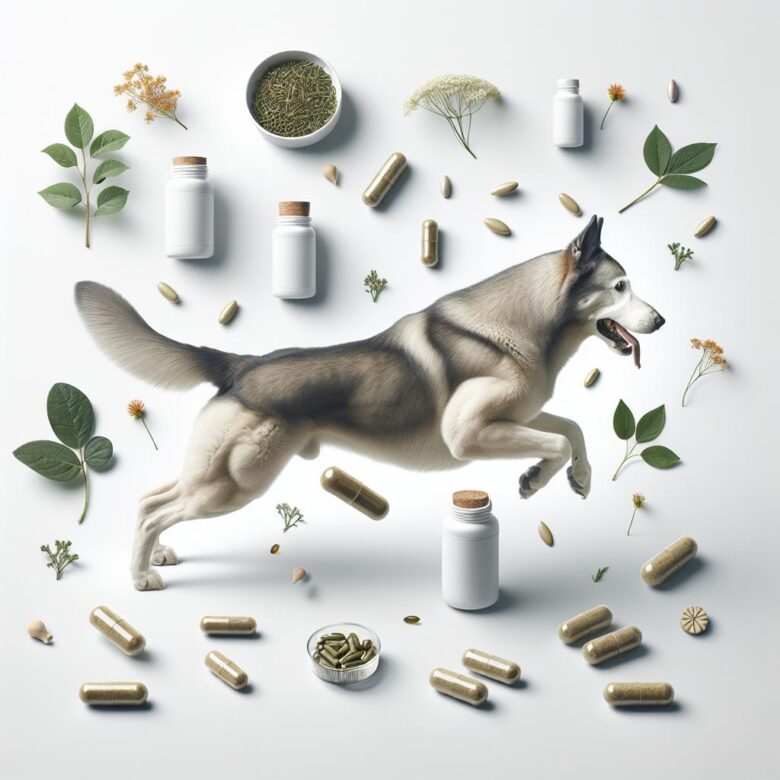
Glucosamine, chondroitin, omega-3s, and green-lipped mussel may help senior dogs maintain joint comfort and mobility. Use vet-guided dosing and choose third-party tested products.